A Better Way to Track Code Review Findings in Zed
I used to do quite a lot of security code review in VS Code. Its debugger is still superior, but I switched to Zed because it is lighter and, with AI tools such as Codex and Claude Code, I spend less time working directly inside an IDE. I wanted a simple way to keep review notes close to the code, so I wrote and built Code Review Notes for Zed.
The project stores notes as Markdown files in .code-review-notes/ at the project root. From inside Zed, I can add a note to selected lines, change its status, accept an edited version of the code, or open and delete an existing note. Notes follow their code through edits and moves; if the code changes substantially, the note is marked as changed, and if the code disappears, it becomes stale.
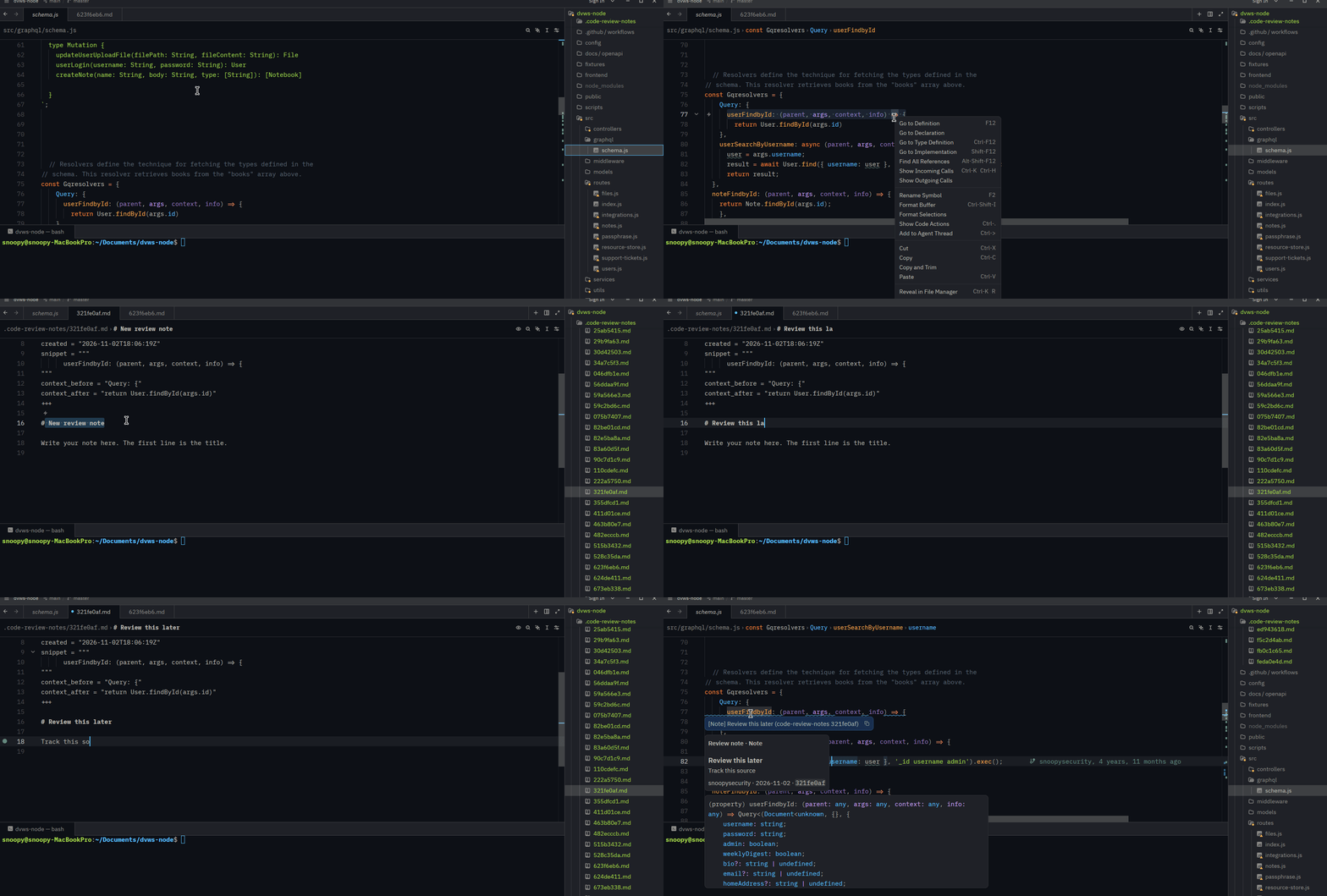
Importing security findings
The other useful part is importing scanner output. The extension and CLI can import SARIF reports, as well as Brakeman and GitLab JSON reports, and turn each finding into a note linked to its source file and line.
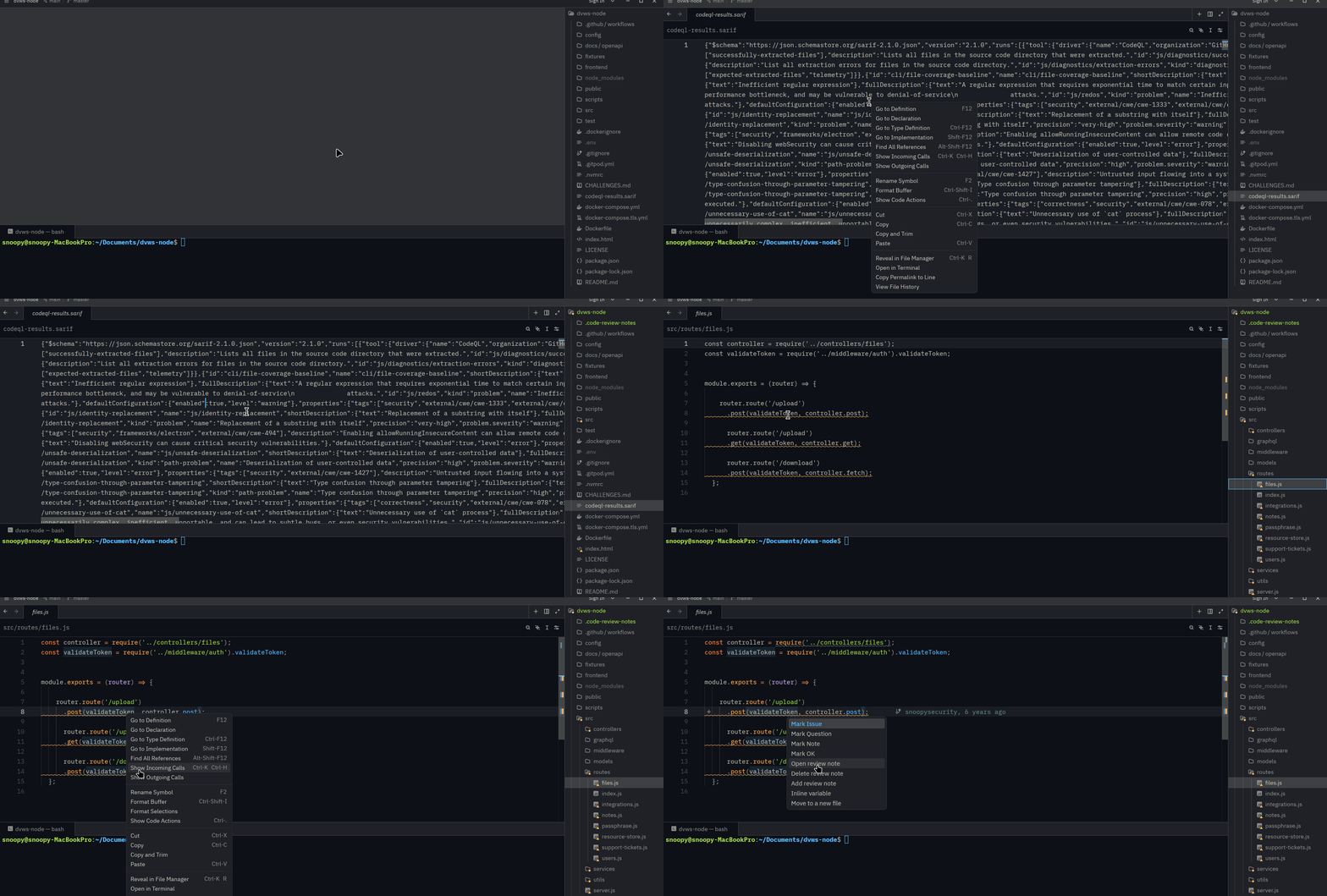
Re-importing the same report does not duplicate findings or reset their statuses. For command-line workflows, the project also includes commands for listing and filtering notes, viewing statistics, pruning notes whose code is gone, and exporting a review as Markdown, SARIF, JSON, or GitLab issues.
1
2
3
code-review-notes list
code-review-notes stats
code-review-notes export -o review.md
The extension is written in Rust and is available under an MIT license. There is also optional Zed agent support through a local MCP server, so an agent can list, read, add, and change notes once it has been configured.
If you use Zed for security work or code review, the repository is here: